Workers Comp Misclassification Calculator
Are your workers classified correctly for their actual job duties? This tool helps you identify potential mismatches to discuss with your insurance carrier.
Why classifications matter
Workers comp premiums are based on classification codes that reflect job risk levels. When a worker's classification doesn't match their actual duties, it can lead to issues during audits or claims.
Office staff on field codes
Clerical rate ($0.18) vs. roofing rate ($18.50) per $100
Project managers who stay in the office
PM rate ($1.85) vs. trade rate varies significantly
Sales reps classified as field workers
Outside sales rate ($0.45) vs. trade rates
Common classification scenarios
Classification correctness depends on actual job duties. Verify with your carrier.
Your annual audit will find misclassifications
Every year, your WC carrier audits your payroll records and job descriptions. If workers are misclassified:
- Auditors reclassify workers based on actual duties
- You'll owe back-premiums for the entire policy period
- Claims can be denied if worker was misclassified at time of injury
Check your classifications
Enter how each worker is currently classified vs. what they actually do. We'll highlight potential mismatches to review with your insurance agent.
For educational purposes only. This calculator uses sample rates and is not a substitute for professional advice. Always verify classifications with your insurance carrier or a licensed agent before making changes.
Check a classification
Compare current classification vs. actual job duties
Rate: $ per $100
Rate: $ per $100
Classification analysis
Current premium
per year
If duties match code
per year
Estimated difference
Review recommended
The current classification doesn't match the selected job duties. Contact your insurance agent to verify the correct classification code.
Classifications match
The current classification matches the stated duties. Always verify with your carrier whenever job duties change.
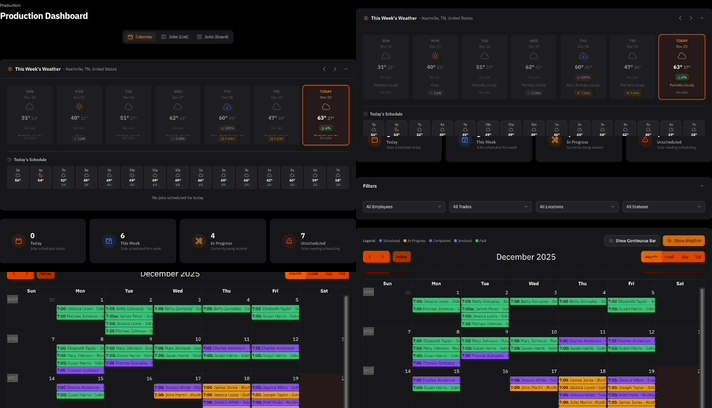
ContractorHUB helps track worker roles and flags potential classification mismatches automatically.
Classification rate reference
Sample rates per $100 of payroll. Actual rates vary by state and carrier.
High Risk Trades
Medium Risk Trades
Low Risk Classifications
Workers must actually perform these duties to qualify for these codes.
How to review your classifications
If this tool flagged potential mismatches, here's how to address them.
Document actual job duties
Write down what each worker actually does day-to-day. Be specific. "Manages projects from office, never on job sites" is more helpful than just "Project Manager."
Contact your insurance agent
Tell them you want to review classifications. They can help determine the correct codes based on actual job duties and your state's requirements.
Request a classification review
Your carrier can formally review and update classifications. This ensures accuracy and can prevent issues during your annual audit.
Keep job duties documented
Maintain written job descriptions. This helps during audits and ensures classifications stay accurate as roles evolve.
Important: Job duties determine classification
A PM who occasionally "helps out" on a roof may need to be classified as a roofer. Classifications are based on actual exposure, not job titles. Your carrier makes the final determination.
More free tools for contractors
Plan smarter with our growing suite of business calculators.