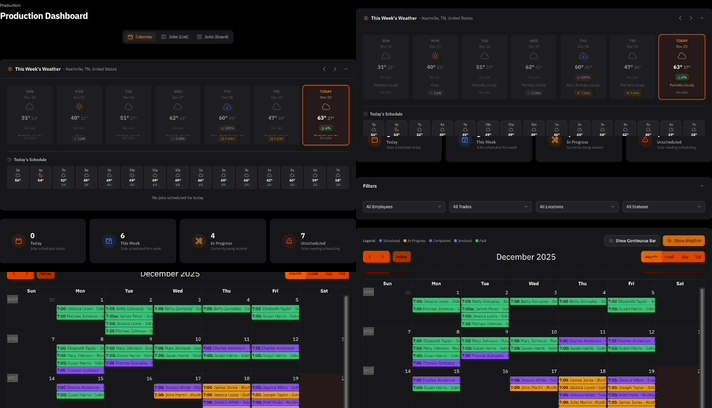

We’ve added Smart Alerts to your Command Center Dashboard — automated, role-based insights that highlight what matters most across your business.
No more digging through reports to understand performance. Your dashboard now surfaces key metrics and trends automatically, so you can focus on making decisions.
What Are Smart Alerts?
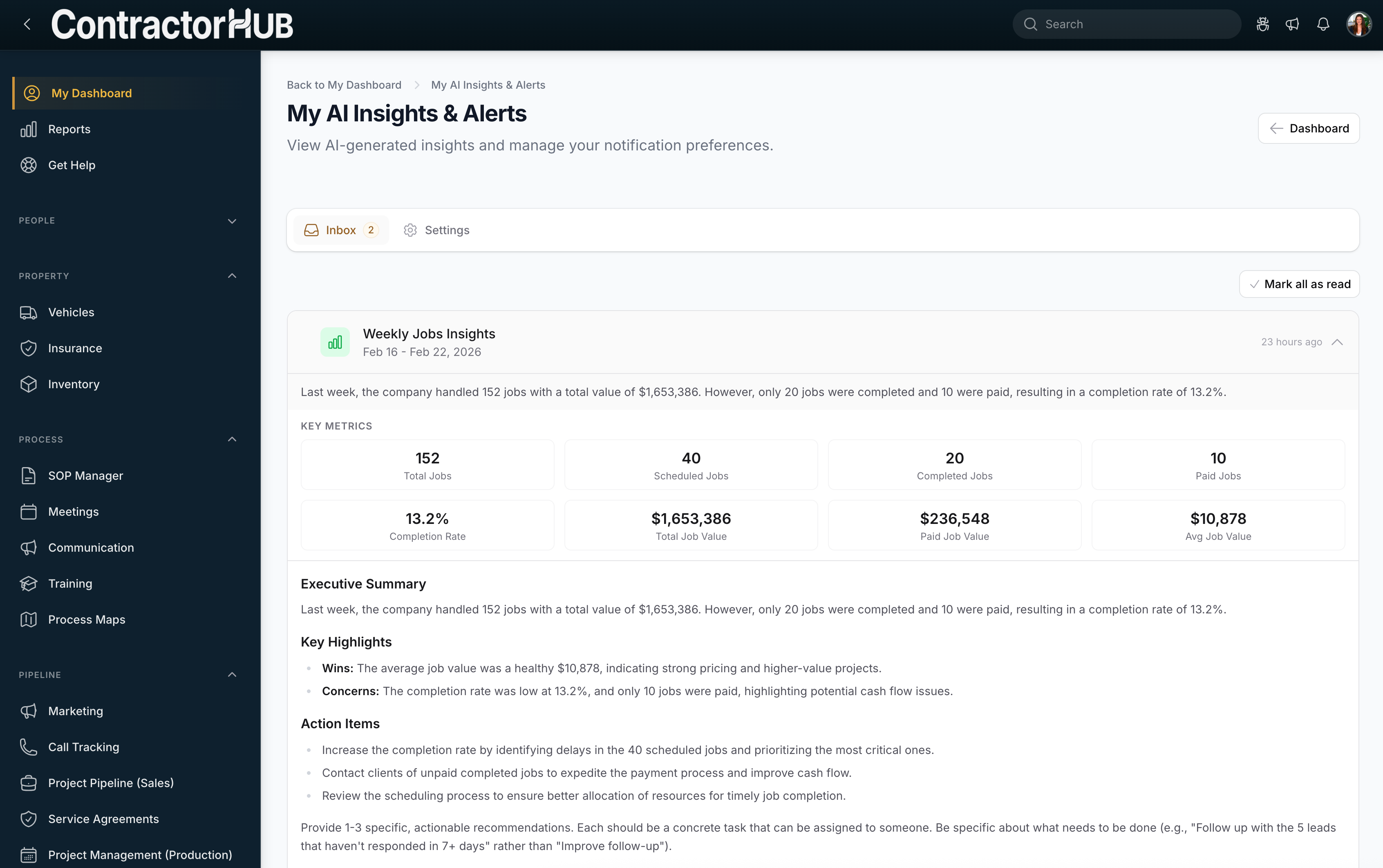
Smart Alerts analyze activity across your company and generate clear, easy-to-read summaries tailored to your role.
For example:
Last week, the company handled 152 jobs with a total value of $1,653,386. However, only 20 jobs were completed and 10 were paid, resulting in a completion rate of 13.2%.
Instead of just showing numbers, Smart Alerts provide context, helping you quickly spot gaps, opportunities, and areas that need attention.
What This Means for You
With Smart Alerts added to your Command Center, you can:
View Your Overview
See upcoming tasks, today’s schedule, and important notifications at a glance.Track Your Performance
Monitor key metrics and progress toward your goals — without running a report.Take Action
Quickly access your most important tools and complete tasks without leaving your dashboard.
Your Dashboard = Your Command Center
Your dashboard is now more than a homepage — it’s a personalized command center designed to keep you informed and proactive.
Smart Alerts ensure you’re not just seeing activity, you’re seeing what deserves attention. Because better visibility leads to better decisions. And better decisions drive better results!


